


Japanese convenience stores (Konbini) are not just places to buy groceries. They are hubs of daily life where you can complete various services, from purchasing concert tickets to handling administrative procedures. Did you know that you can turn photos from your smartphone into adorable “Flake Seals” (individual stickers) using the “multi-copy machines” found in these Japanese convenience stores?
The DIY sticker creation app “Konbini Seal Club” has added a new feature that makes creating these flake seals easy. Previously, you could only split photos, but this long-awaited update specializes in creating small stickers.
Perfect for Japanese “Kawaii” Planner Culture! Smaller Sizes Arrive
The greatest feature of the newly added “Flake Seal” function is its exquisite sizing. In Japan, there is a deep-rooted culture of decorating planners (Techo) and diaries with stickers and tape. While it was possible to arrange images with existing functions, many users requested the ability to “make sizes like the small, cute flake seals sold in stores.” This update is the answer to those needs.

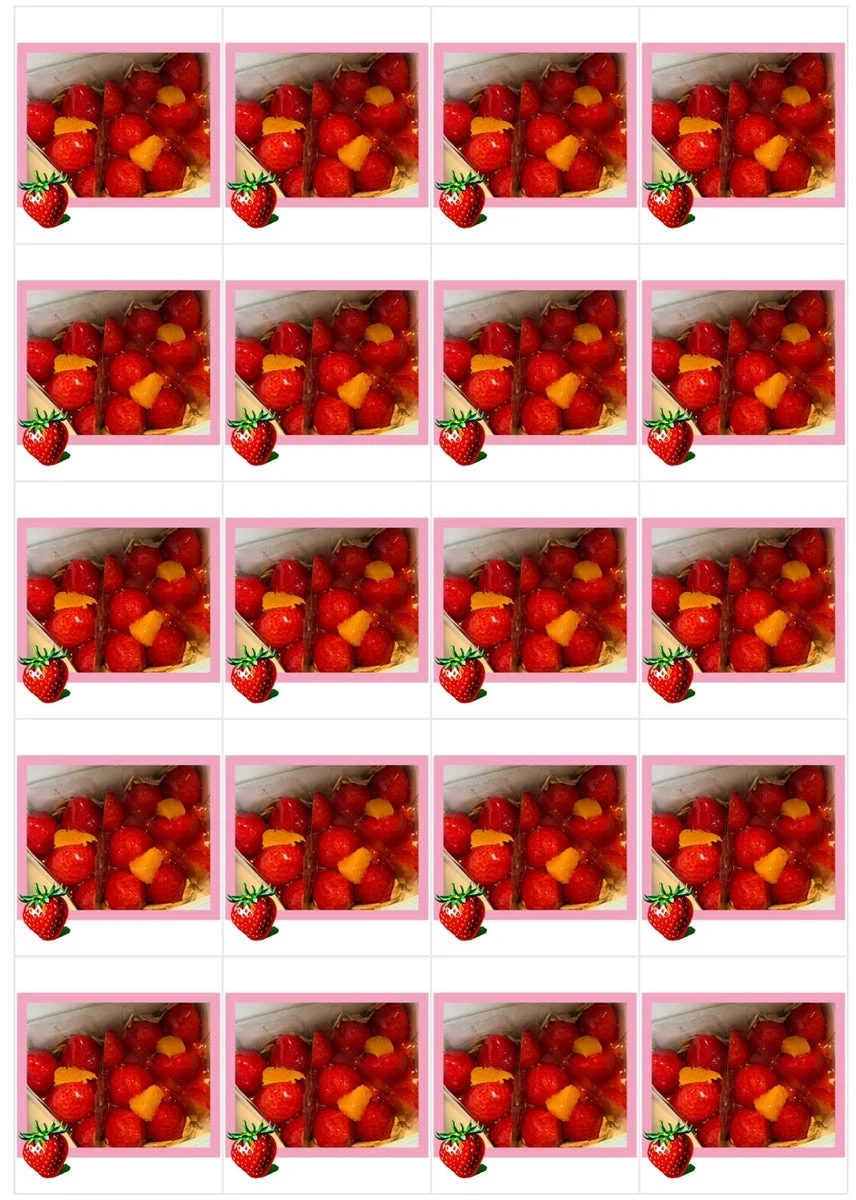
You can choose from four size patterns. Based on the standard photo size “L-size” (89mm x 127mm), you can select 6-split, 8-split, 16-split, and the smallest, 20-split.
First, the 6-split creates stickers that are about 4cm (approx. 1.6 inches) in length and width. Even a single sticker has a strong presence, making it a size that is easy to use. Next, the 8-split creates a slightly vertical size of about 3cm x 4cm (approx. 1.2 inches x 1.6 inches).
The even finer 16-split creates stickers about 2cm x 3cm (approx. 0.8 inches x 1.2 inches), roughly the size of a fingertip. This is the perfect size to fit within the frames of a planner’s monthly view calendar.

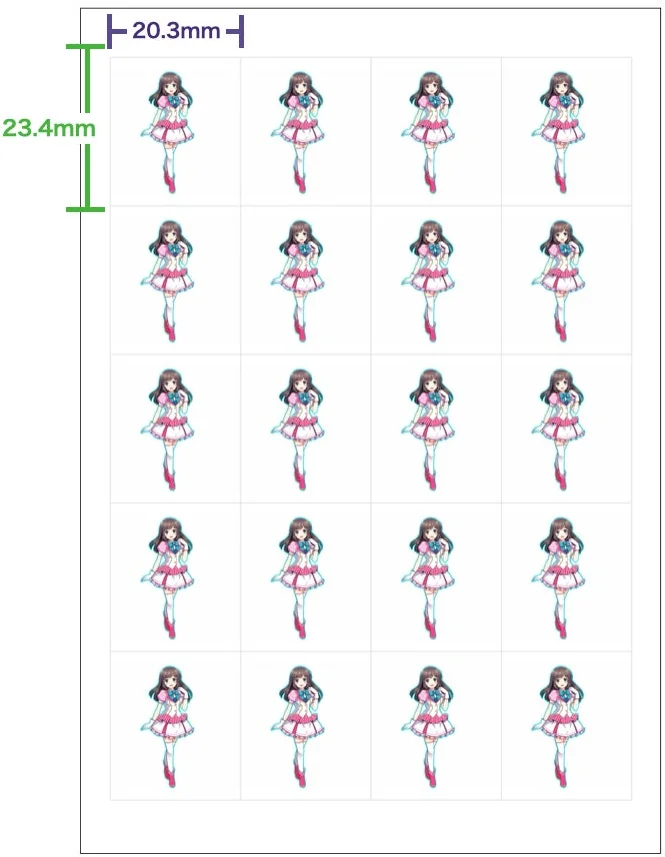
And the smallest, 20-split, creates mini-sized stickers of about 2cm x 2.3cm (approx. 0.8 inches x 0.9 inches). Being this small, the range of uses expands greatly, such as using them as schedule icons or sticking them in the corner of a letter as a decoration.
Selecting these patterns on the app and arranging your favorite photos or illustrations feels just like running your own little sticker factory. Once you cut the sheet printed at the convenience store with scissors, your one-of-a-kind original flake seals are complete.
Checking the Actual Results
Looking at the actual printed results, the practicality becomes very clear. The 6-split is large enough to see the details of the photo clearly, providing good impact.

The 8-split is a well-balanced rectangle, appealing for its versatility in various situations.
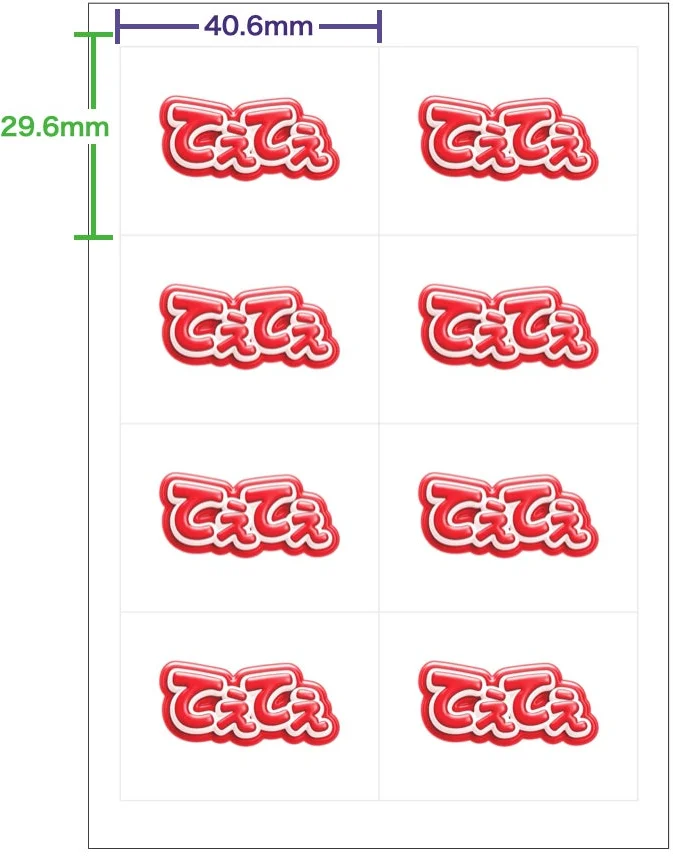
With the 16-split, it instantly becomes more “sticker-like.” It’s a highly collectible size that makes you want to make a lot and stock up.

The 20-split has an exquisite size where its smallness is actually what makes it cute. Lining up many photos of a pet’s face, for example, would result in a unique and adorable finish.
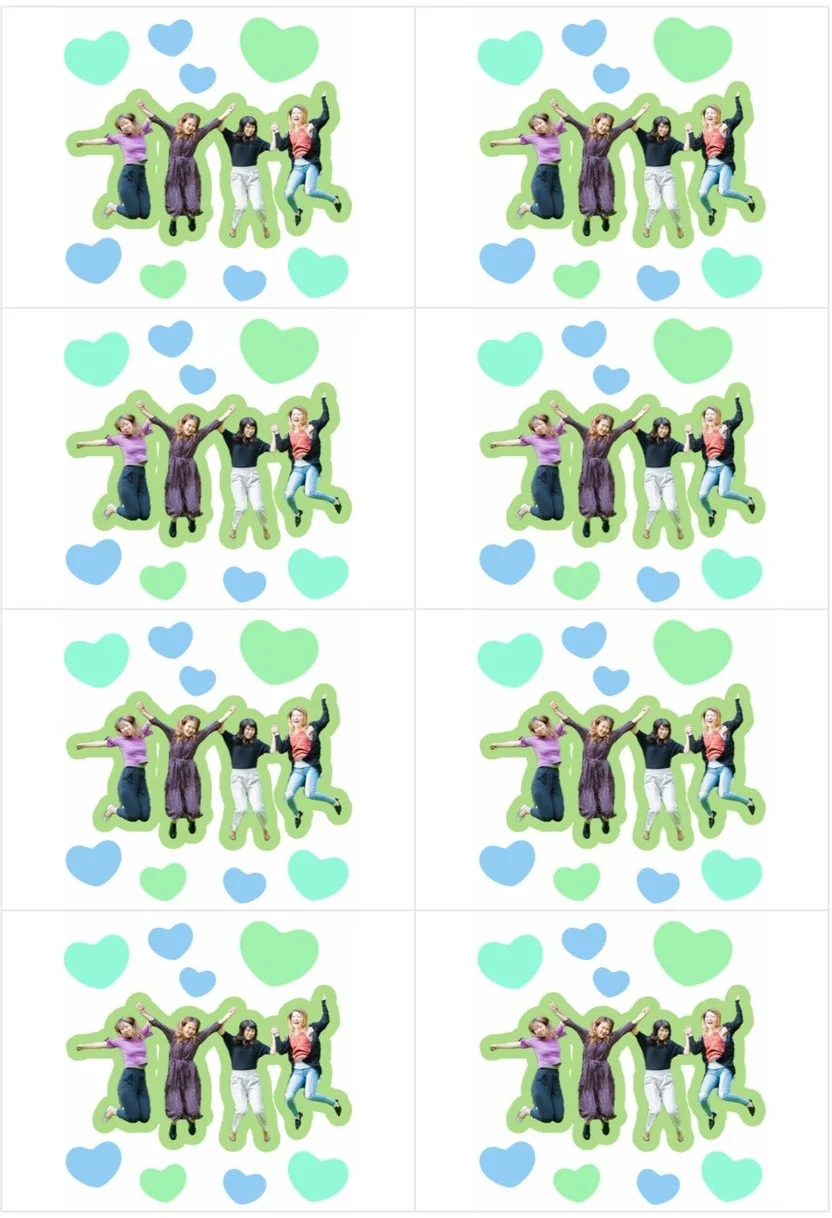
Must-See for iPhone Users! Pro-Level “Background Removal” Feature
Furthermore, this update includes a powerful new feature exclusive to the iOS version of the app: the “Remove Background” function. It automatically recognizes subjects like people or animals in a photo and cleanly erases the background. For example, a photo of a person can be processed like this. By clearing away the background, the subject stands out significantly.
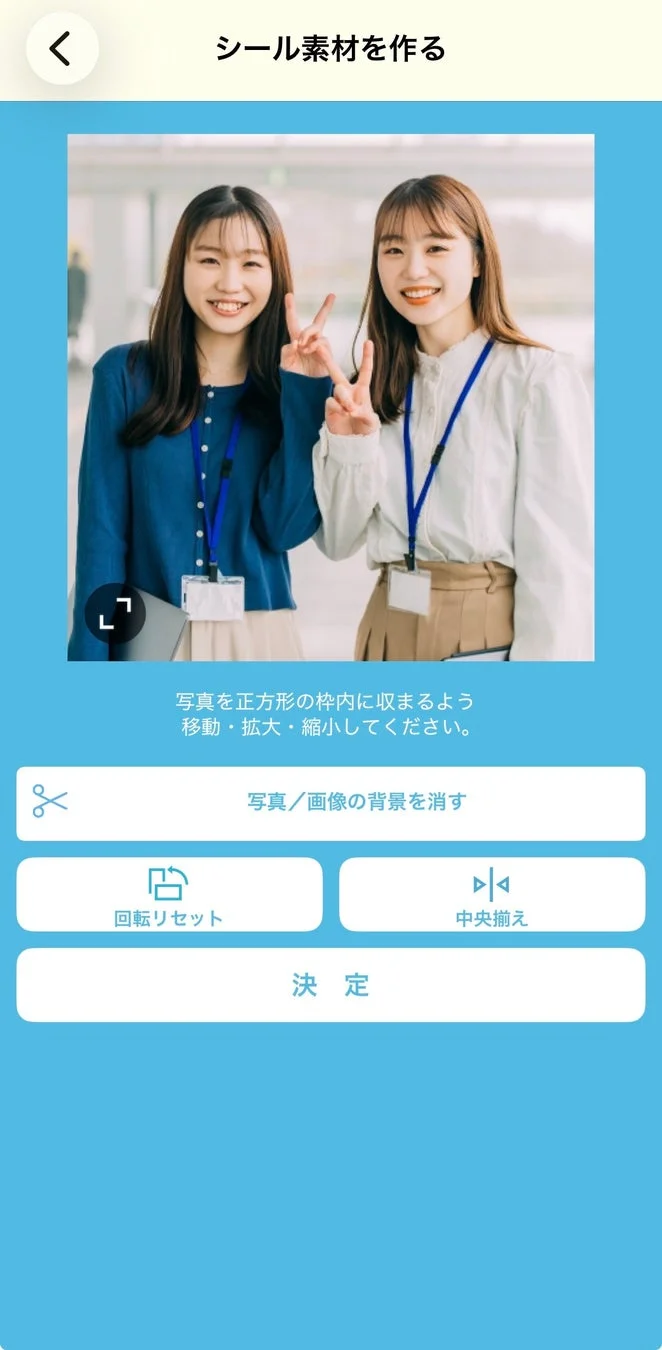
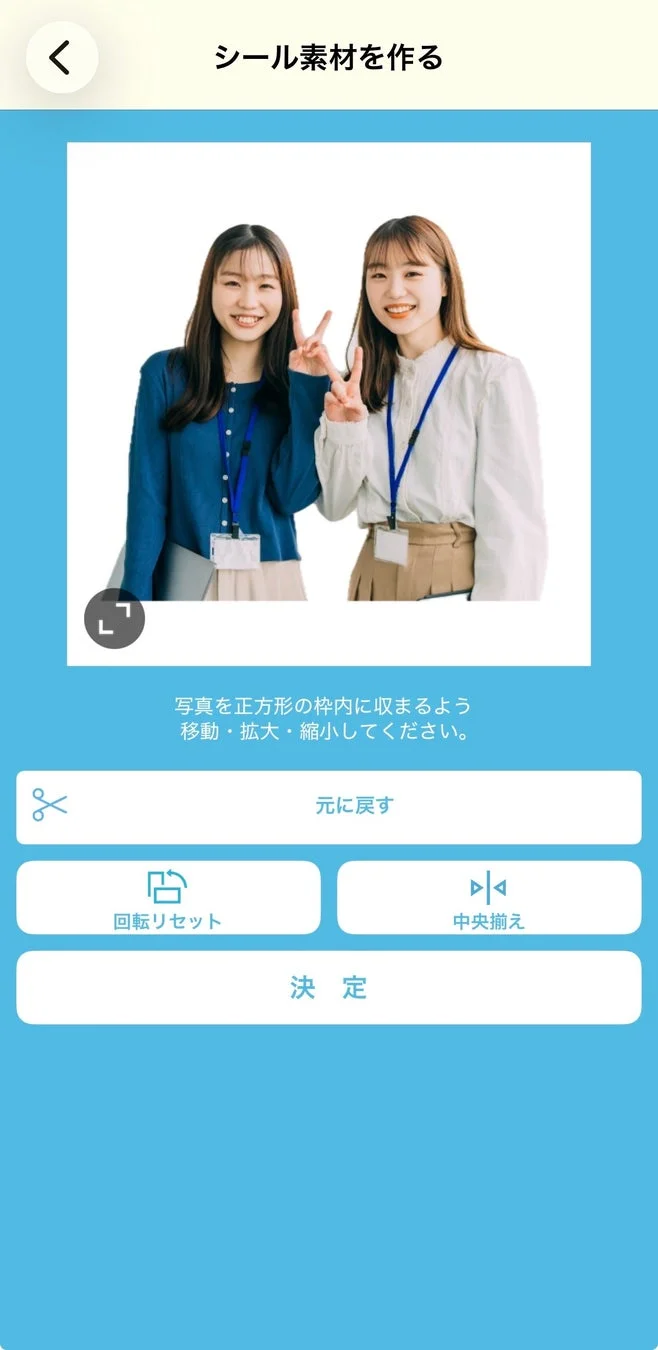
The effect is also outstanding with photos of animals.

The outline of an adorable pet is cut out beautifully.
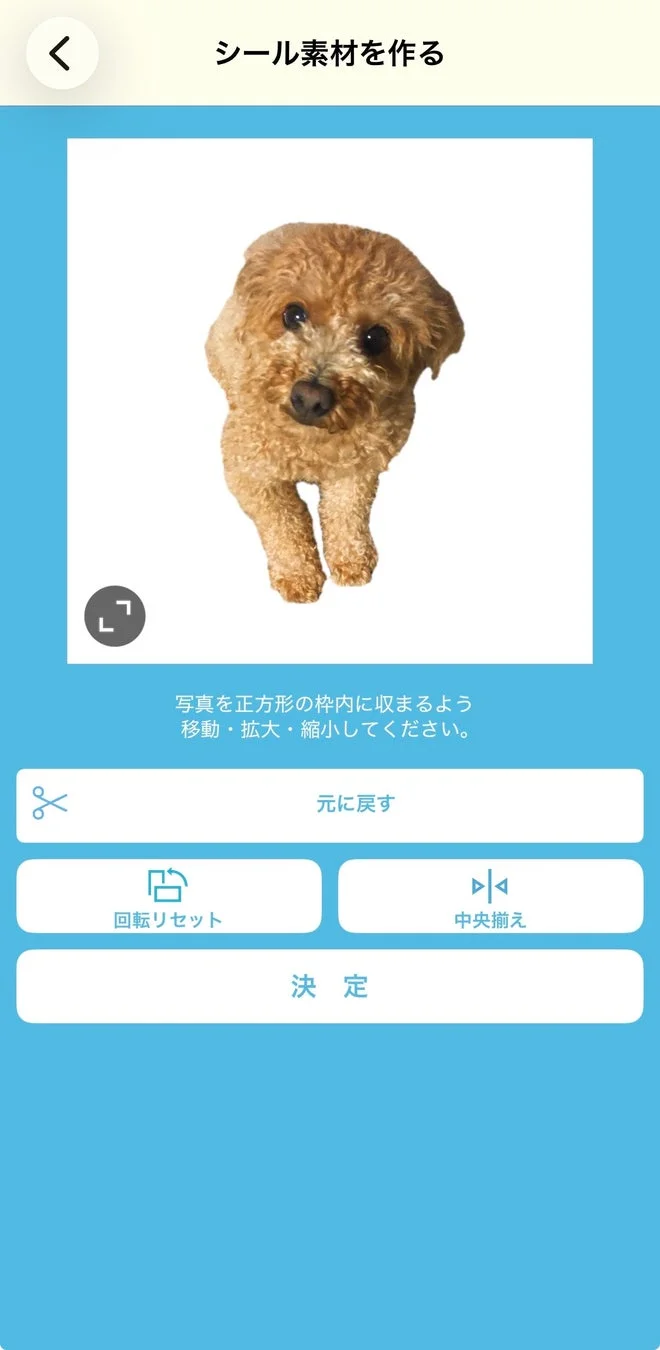
This function doesn’t just cut out the image. You can also add a “border” (outline) to the subject in your preferred color and thickness. This allows you to finish it with a professional quality that looks just like a commercially sold sticker. If you cut out memorable photos, beloved pets, or favorite Japanese items and decorate them with text or decorative items, you can create completely original flake seals.
This background removal function can be utilized in various menus within the app, not just for standard seal creation but also for sticker creation and for making stickers in the style of “Senjafuda” (traditional Japanese votive slips/name placards).
Price and Availability
Despite having such high functionality, the printing cost is very affordable. An L-size sticker sheet created with the “Flake Seal” function costs 240 yen (approx. $1.60 USD *rates vary). It is surprising that you can make your own original stickers at this price point. Of course, for standard sticker sheets, you can also select larger 2L sizes or square sizes.
The created stickers can be printed at Sharp multi-copy machines installed in FamilyMart, Ministop, and Lawson stores throughout Japan. The convenience of being able to print at a nearby store 24 hours a day, whenever the idea strikes, is a unique charm of Japanese Konbini.
For those who want to enrich their planner time, enjoy Japanese “Oshi-katsu” (supporting your favorite idol or character), or add a touch of originality to a small gift for a friend, this new feature of “Konbini Seal Club” is sure to be a powerful tool. If you have the chance to visit Japan, why not turn your favorite photos sleeping in your smartphone into stickers at a convenience store?
Post a Comment